Devices
How to use an old TV for IPTV
An old TV without smart features? With an HDMI port and a streaming device you can make it IPTV-ready. Step-by-step guide.
IPTV Gigantti editorial team · Published · 2 min read
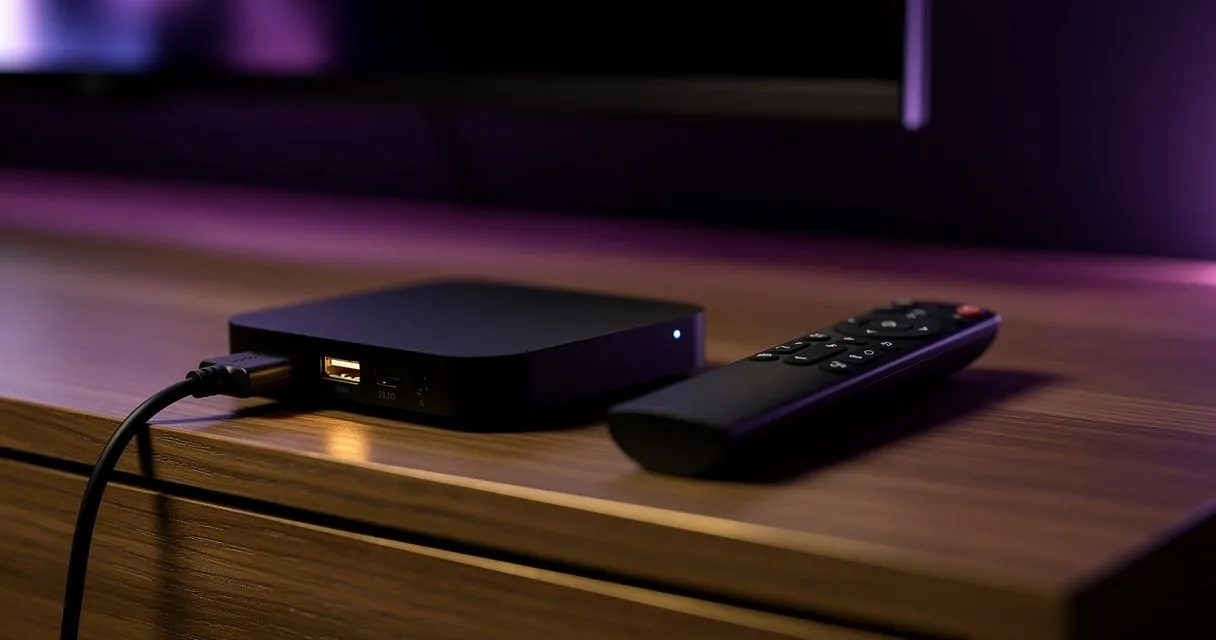
You can make an old TV IPTV-ready by plugging a streaming device into its HDMI port. The device adds an app store, internet connection and IPTV apps – the TV just acts as the screen.
What you need
| Need | Option | Note |
|---|---|---|
| HDMI port on the TV | Almost all TVs made after 2008 | Check the back of the TV |
| Streaming device | Android TV / Google TV device or Fire TV Stick | Official app store |
| Internet | Wi-Fi or Ethernet | Cable is more stable |
| Power | The device's own adapter | Avoid the TV's USB port |
Step by step
- Find the HDMI port on the back or side of the TV.
- Plug in the streaming device and its power adapter.
- Select the right HDMI input with the Source/Input button.
- Connect the device to your network and sign in.
- Install the IPTV app from your setup instructions.
- Enter your subscription details and start watching.
Device guides: Android TV and Fire TV.
What if the TV has no HDMI port?
Very old (CRT) TVs only have SCART or composite inputs. An HDMI-to-SCART converter works, but picture quality is poor. In that case a new TV is usually the better choice – see our Black Friday 2026 TV guide.
Is a 4K device worth it for an old TV?
If your TV is Full HD, a 4K device won't improve the picture – but it's a good choice if you plan to upgrade to a 4K TV later.
Summary
An old TV with an HDMI port becomes IPTV-ready with an affordable streaming device. Read more in our IPTV box buying guide and see the plans.
IPTV Gigantti — 3 Months
€25 · IPTV Gigantti 3 months for €25 (approx.