Compatible devices
IPTV Gigantti works on the most common internet-connected devices. In most cases you don't need a separate box.
Which devices are compatible?
IPTV Gigantti works on Smart TVs (such as Samsung, LG and Android TV/Google TV sets), Fire TV devices, Android TV boxes, Android and iOS phones and tablets, and Windows and Mac computers.
Not sure about your device? Ask our support team before ordering – we're happy to help. Contact us
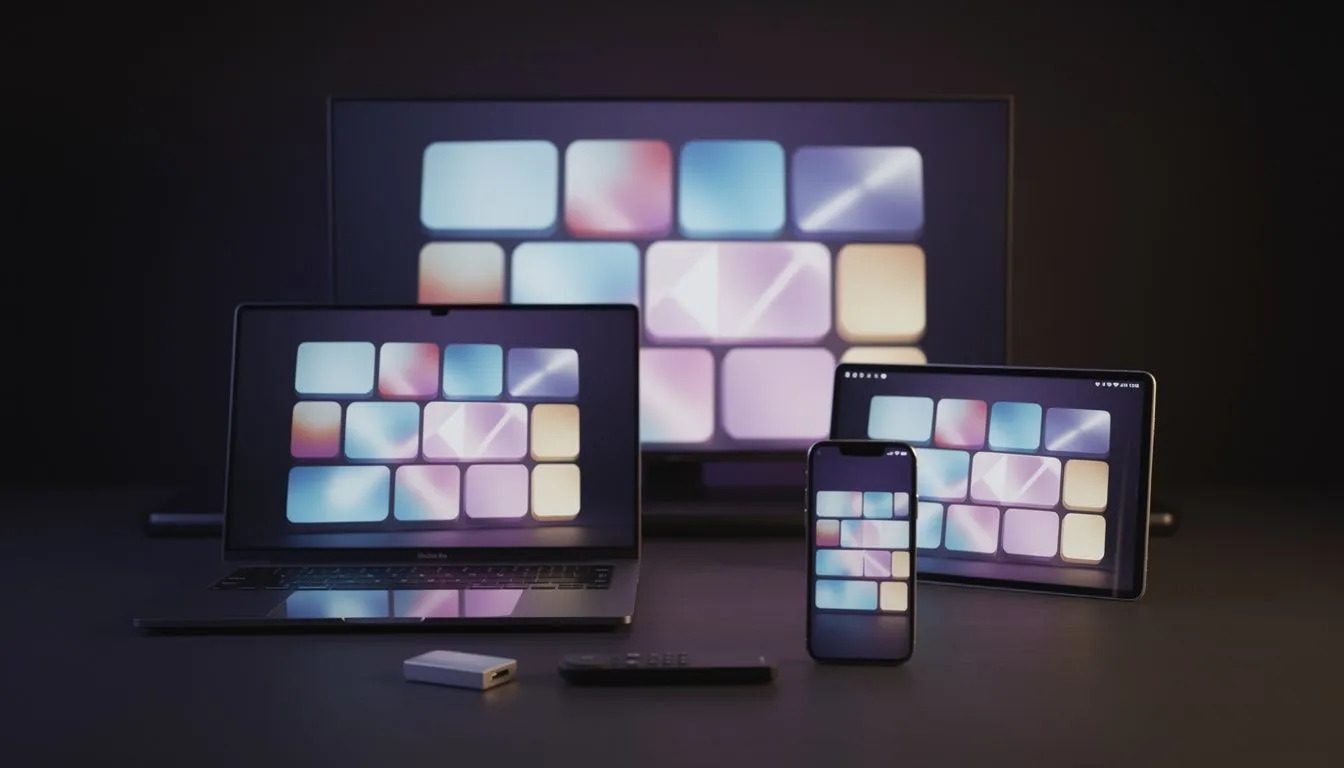
- Smart TVVia an app, no box neededGuide
- Samsung TVTizen OSGuide
- LG TVwebOSGuide
- Android TV & Google TVGoogle Play appsGuide
- Fire TVFire TV Stick and Fire TVGuide
- Android phone & tabletGoogle Play
- iPhone & iPadApp Store
- WindowsIPTV player program
- MacIPTV player program
- IPTV boxAndroid-based boxes
Device setup guides
- Smart TVMost modern Smart TVs work with IPTV Gigantti without a separate box: install an IPTV player from the TV's app store and enter the details you received with your subscription.Read the setup guide
- Samsung TVIPTV works on most Samsung Smart TVs running Tizen: install a compatible IPTV player from Samsung's Apps store and enter your subscription details.Read the setup guide
- LG TVIPTV works on most LG Smart TVs running webOS: install a compatible IPTV player from the LG Content Store and enter your subscription details.Read the setup guide
- Android TVAndroid TV and Google TV work very well with IPTV Gigantti: install an IPTV player from Google Play and enter your subscription details.Read the setup guide
- Fire TVIPTV works on Amazon Fire TV Stick and Fire TV devices: install a compatible IPTV player and enter your subscription details.Read the setup guide
Device comparison
| Device | Need a box? | Apps from |
|---|---|---|
| Samsung Smart TV | No | Samsung Apps (Tizen) |
| LG Smart TV | No | LG Content Store (webOS) |
| Android TV / Google TV | No | Google Play |
| Fire TV Stick | The stick is the streaming device | Fire TV app store |
| Phone and tablet | No | Google Play / App Store |
| Windows / Mac | No | IPTV player program |
Device questions
What devices are compatible with IPTV in Finland?
IPTV works on most internet-connected devices: Smart TVs (Samsung, LG and Android/Google TV), Fire TV devices, Android TV boxes, phones, tablets and Windows and Mac computers.
Devices →Do I need an IPTV box for my Smart TV?
Usually not. Most modern Smart TVs run IPTV through an app without a separate box. A separate Android TV or Fire TV device can still help if your TV is old or has a limited app selection.
Can I watch IPTV on my smartphone or tablet?
Yes. Install an IPTV player app from Google Play or the App Store and sign in with your subscription details. When watching on mobile data, keep an eye on your data usage.
Can I watch IPTV on Windows and Mac?
Yes. On a computer you can watch IPTV with an IPTV player program that supports the details provided with your subscription. Instructions are sent after purchase.
Does IPTV work with Android TV and Google TV in Finland?
Yes. Android TV and Google TV are well suited to IPTV because several IPTV players are available on Google Play. The same guide applies to Android TV televisions and Google TV streaming devices.
Android TV guide →Ready to get started?
Compare plans, pick the subscription period that suits you and set up the service on your own device.