Buyer's guide
IPTV box: do you need one, and which should you choose?
Do you need an IPTV box? Most Smart TVs work without one, but a box helps with older TVs. Comparison of Android TV boxes, Google TV and Fire TV.
IPTV Gigantti editorial team · Published · 3 min read
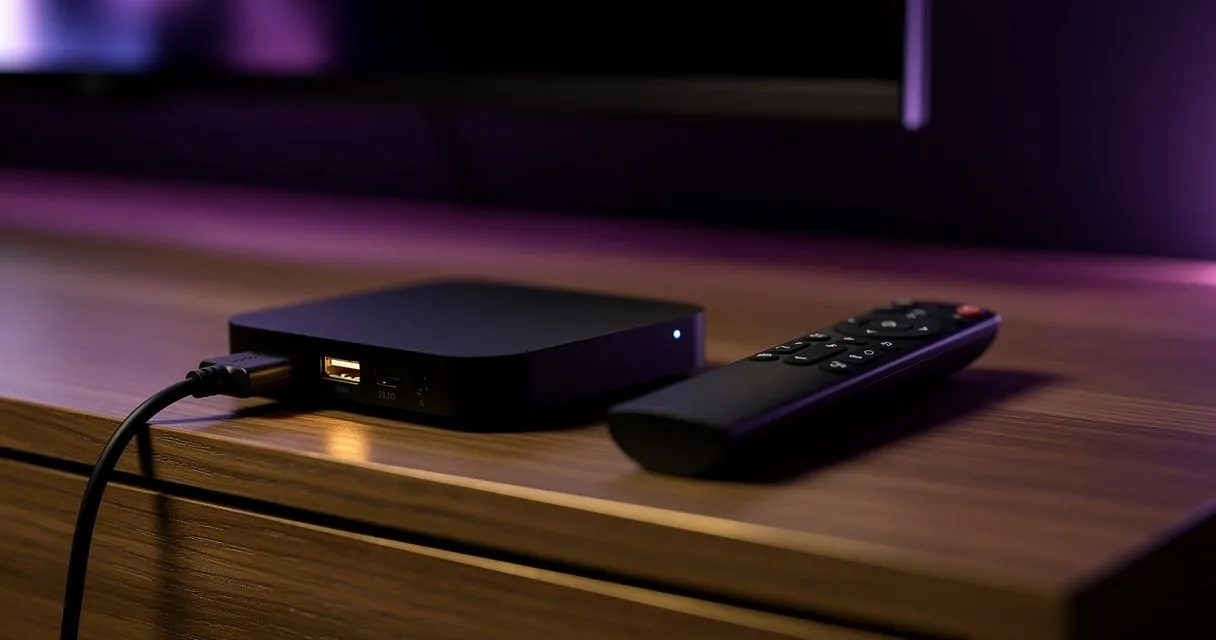
An IPTV box is a small streaming device that plugs into your TV's HDMI port and adds an app store and IPTV apps. Many people search for an "IPTV box" assuming one is always required – but most modern Smart TVs don't need one at all. This guide helps you decide.
Do I need an IPTV box?
Not necessarily. Most Smart TVs made after 2018 (Samsung, LG, Android TV / Google TV) run IPTV directly through an app. A box is worth buying if:
- your TV is old or not a Smart TV
- the TV's app store doesn't have the IPTV app you need
- the TV's interface is slow or apps crash
- you want one device you can move between TVs (e.g. to the cottage)
What kinds of IPTV boxes are there?
| Device type | Examples | Strengths | Consider |
|---|---|---|---|
| Google TV device | Google TV streamers | Wide Google Play selection, smooth | Needs a Google account |
| Android TV box | Various Android TV boxes | Flexible, often has Ethernet | Quality varies by maker |
| Fire TV | Fire TV Stick, Fire TV Cube | Affordable, easy | Amazon app store |
| Apple TV | Apple TV 4K | Premium, smooth | More expensive |
Choose a device with an official app store and regular software updates. Avoid unknown "pre-loaded" boxes with unclear origins and security.
What to look for in an IPTV box
- 4K and HDR support if your TV is 4K.
- An Ethernet port or Wi-Fi 6 – a stable connection is the single biggest factor. See Wi-Fi vs Ethernet.
- Enough memory (at least 2 GB RAM).
- An official app store and updates.
- A good remote with voice control.
Where can you buy an IPTV box?
Streaming devices are sold by practically every Finnish electronics retailer and web shop. Compare prices, check return rights and read reviews first. Black Week (23–29 November 2026) is often a good time to buy – see our Black Friday guide.
IPTV Gigantti is an independent IPTV service and is not affiliated with Gigantti Oy, the Elkjøp group or any other retailer. We do not sell hardware.
How do you set up an IPTV box?
- Plug the box into the TV's HDMI port and power.
- Select the correct HDMI input on the TV.
- Connect to your network (ideally by cable) and sign in.
- Install the app named in your IPTV service's instructions.
- Enter your subscription details and start watching.
Device-specific guides: Android TV and Fire TV.
IPTV box or a new TV?
If your TV's picture is still good but its smart features are dated, a box is far cheaper than a new TV. Consider a new TV if you want a bigger screen, better motion handling for sport or 4K/HDR.
Summary
Most modern Smart TVs don't need an IPTV box, but a box is an affordable way to make an older TV IPTV-ready. Choose a device with an official app store, Ethernet or Wi-Fi 6 and 4K support if needed. Then see IPTV Gigantti plans and read the setup guides.
IPTV Gigantti — 6 Months
€35 · IPTV Gigantti 6 months for €35 (approx.